Muscle-level visibility
See how the scheduled work is distributed rather than evaluating the plan by length alone.
Weekly training volume calculator
Look beyond a long exercise list. FuelPhysique summarizes planned weekly work by muscle group, using direct sets and fractional contributions from exercises that involve multiple muscles.
Plan my weekly setsExplore the free workout builder. Sign in to generate and save a plan, then open Weekly Sets.
See how it works ↓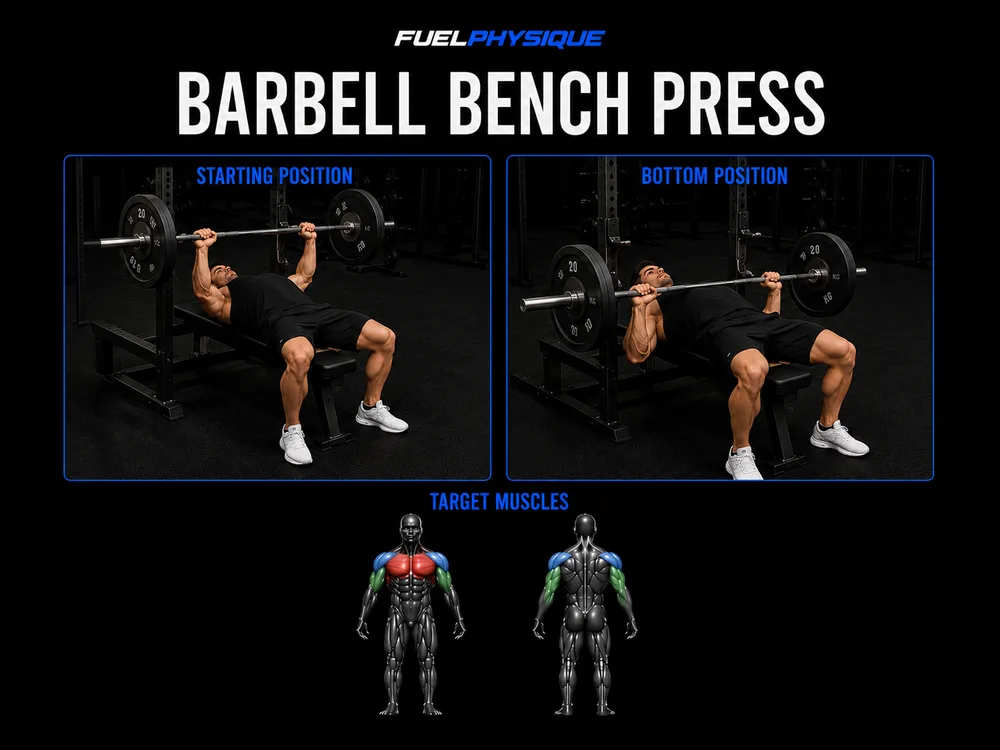 Bench press3 sets · Rest 120s · RIR 2
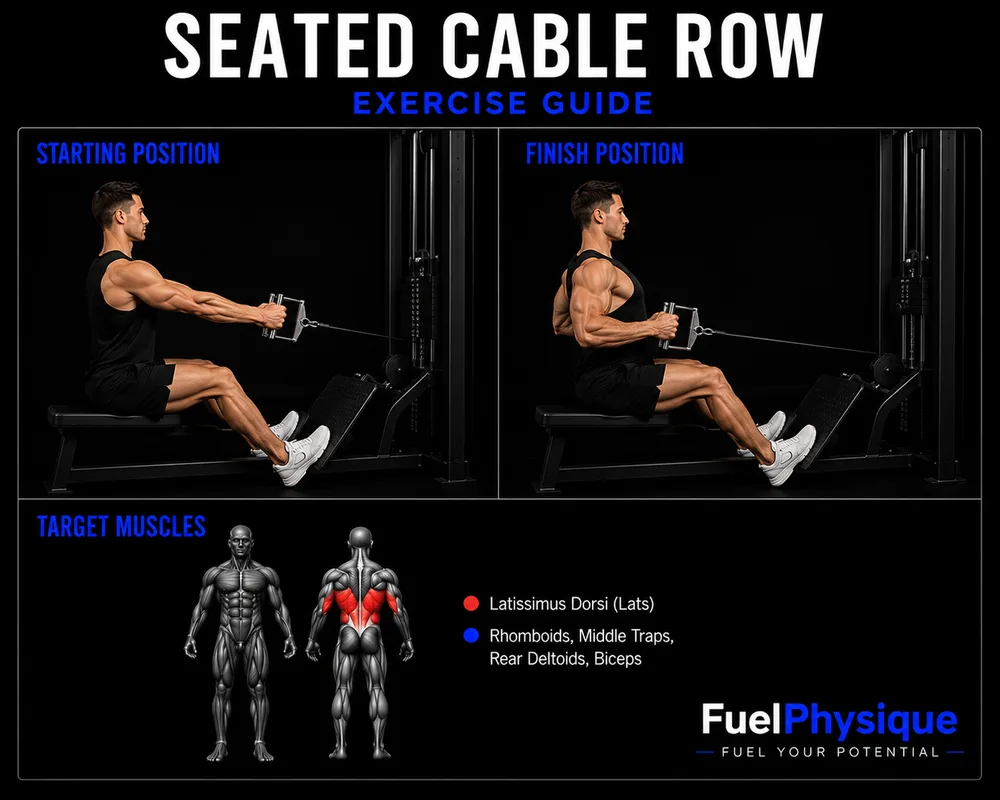 Seated cable row3 sets · Rest 90s · RIR 2
Read-only example from our workout plan preview. Not a personal recommendation.
Why this tool
A split may have different numbers of exercises on different days. Compound movements also involve more than one muscle, so simply counting exercise names does not explain each muscle group's planned workload.
FuelPhysique calculates a weekly set summary from the program's sessions and exercise mappings. Direct contributions and fractional secondary contributions are combined by muscle. This gives you a consistent way to inspect the plan without presenting every secondary contribution as a full direct set.
From first visit to everyday use
Choose your training days, equipment and preferences in the workout builder.
Check the exercises and scheduled working sets before saving.
Use the plan's Weekly Sets disclosure to inspect the summary by muscle group.
Consider the exercise mapping and training schedule. Use the tracker separately to record completed workouts.
See how the scheduled work is distributed rather than evaluating the plan by length alone.
Fractional contributions account for secondary muscle involvement without labeling it identical to direct work.
Use the same summary when reviewing a generated or saved routine, alongside the actual exercises and sets.
This is not a weight × repetitions calculator, and it does not count only sessions you have completed. The summary depends on the saved program and the exercise catalog's muscle mappings. Unmapped exercises may not contribute to the muscle totals. Fractional credit is a planning model, not a measurement of your individual muscle stimulus.
A target band is guidance within the planner, not a medical limit or a guarantee of recovery or muscle growth. Your tolerance and actual training can differ.
Before you start
No. It summarizes the planned weekly program. Use workout logs to review completed sessions; planned and completed work should not be treated as interchangeable.
An exercise can give full credit to a primary muscle and partial credit to another involved muscle. The app uses its catalog mappings to calculate those contributions consistently.
The calculation needs a recognized exercise mapping. Unmapped exercises are tracked separately and may not be counted toward a muscle's total.
No. The weekly set summary is part of the workout planning workflow. Generate a plan and open Weekly Sets to inspect it.
Workout planning
Choose your goal, experience, equipment and available days. Turn those choices into a structured routine with exercises, sets and rest times you can review and save.
Explore workout planningWorkout tracking
Open a session from your active plan, follow the exercises and record completed sets. A built-in rest timer helps you move through the workout; saved history keeps the session available afterward.
Explore workout trackingProgress tracking
Record dated body-weight measurements, review your recent trend and keep body measurements together. Add private progress photos only if they are useful to you.
Explore progress trackingNeed to check an exercise? Explore the exercise library. For general questions, visit FuelPhysique help.
Your next step
Explore the free workout builder. Sign in to generate and save a plan, then open Weekly Sets.
Plan my weekly sets