Less switching between tools
Keep the plan, current exercise and rest timing within the workout workflow.
Workout tracker
Open a session from your active plan, follow the exercises and record completed sets. A built-in rest timer helps you move through the workout; saved history keeps the session available afterward.
Open workout trackerFree with an account. You need a saved, active workout plan to start a session.
See how it works ↓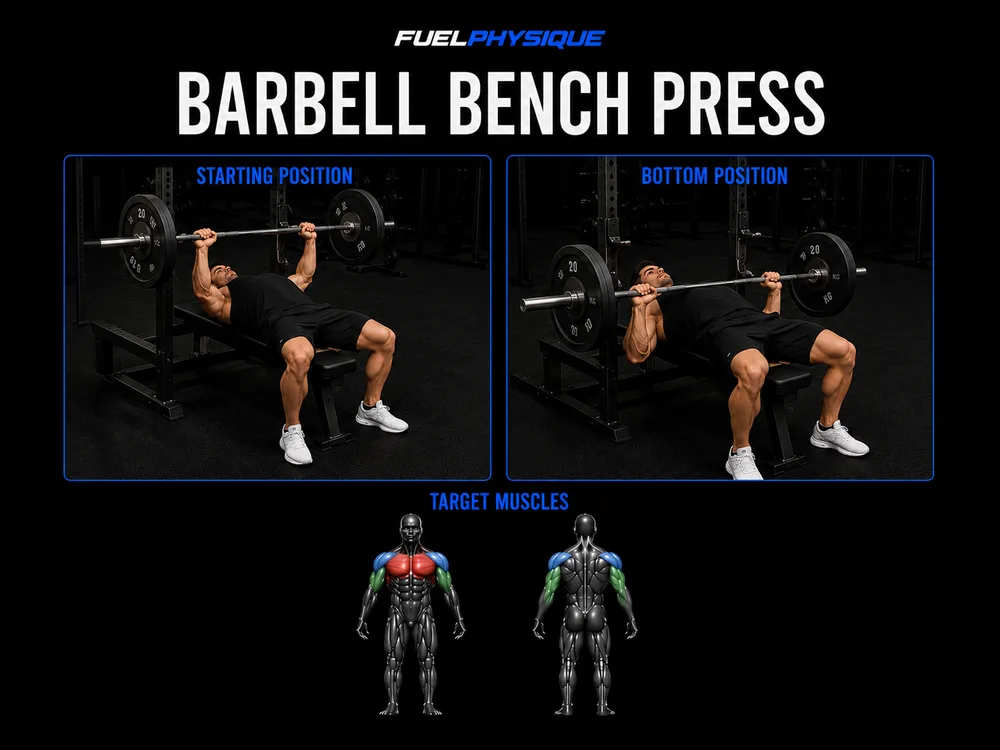 Bench press3 sets · Rest 120s · RIR 2
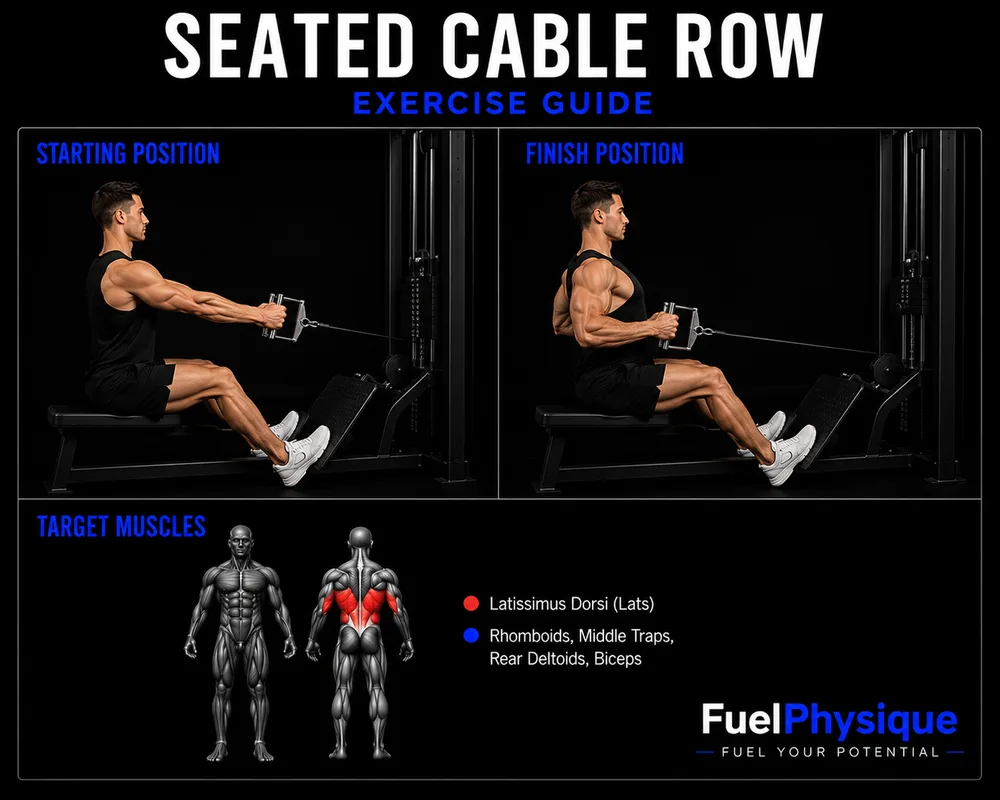 Seated cable row3 sets · Rest 90s · RIR 2
Complete the set, then wait for the programmed rest time.
Read-only example from our workout plan preview with the initial rest timer. Not a personal recommendation.
Why this tool
A routine tells you what to train, but it cannot remind you what you actually recorded unless you keep a log. Notes scattered across your phone make it harder to review a previous session.
FuelPhysique links workout logging to your active saved plan. Follow the current exercise, record sets and save the completed session. Workout history and exercise progress give you a place to review the records instead of reconstructing them from memory.
From first visit to everyday use
Create or save a workout plan in your account and set it as your active routine.
Open the tracker and select the session you want to perform.
Follow the exercise guidance, record your sets and use the rest timer between efforts.
Save the completed workout. Open workout history or exercise progress to review your recorded sessions.
Keep the plan, current exercise and rest timing within the workout workflow.
Completed workout records preserve the sets you logged instead of only the original prescription.
Exercise progress lets you review recorded performance. Decide future loads based on your readiness, not an automatic promise of progression.
The plan describes intended training. A saved workout records what you completed in the tracker. Skipping a session does not turn planned sets into completed sets, and viewing a plan is not the same as logging a workout.
The preview shows a sample plan and the tracker's initial rest-timer component. It is not a saved workout or a performance claim.
Before you start
The tracker starts sessions from your active workout plan. If you do not have one yet, use the workout builder, review the result, save it and make it active.
Yes. The tracker includes rest timing within the session workflow, alongside the current exercise and set.
Use Finish & Save Workout to store the completed session in your account. Workout history lets you revisit recorded sessions.
This page describes logging and reviewing your recorded performance, not an automatic progression coach. Use the records as context and adjust training responsibly.
Workout planning
Choose your goal, experience, equipment and available days. Turn those choices into a structured routine with exercises, sets and rest times you can review and save.
Explore workout planningWeekly training volume
Look beyond a long exercise list. FuelPhysique summarizes planned weekly work by muscle group, using direct sets and fractional contributions from exercises that involve multiple muscles.
Explore weekly training volumeProgress tracking
Record dated body-weight measurements, review your recent trend and keep body measurements together. Add private progress photos only if they are useful to you.
Explore progress trackingNeed to check an exercise? Explore the exercise library. For general questions, visit FuelPhysique help.
Your next step
Free with an account. You need a saved, active workout plan to start a session.
Open workout tracker